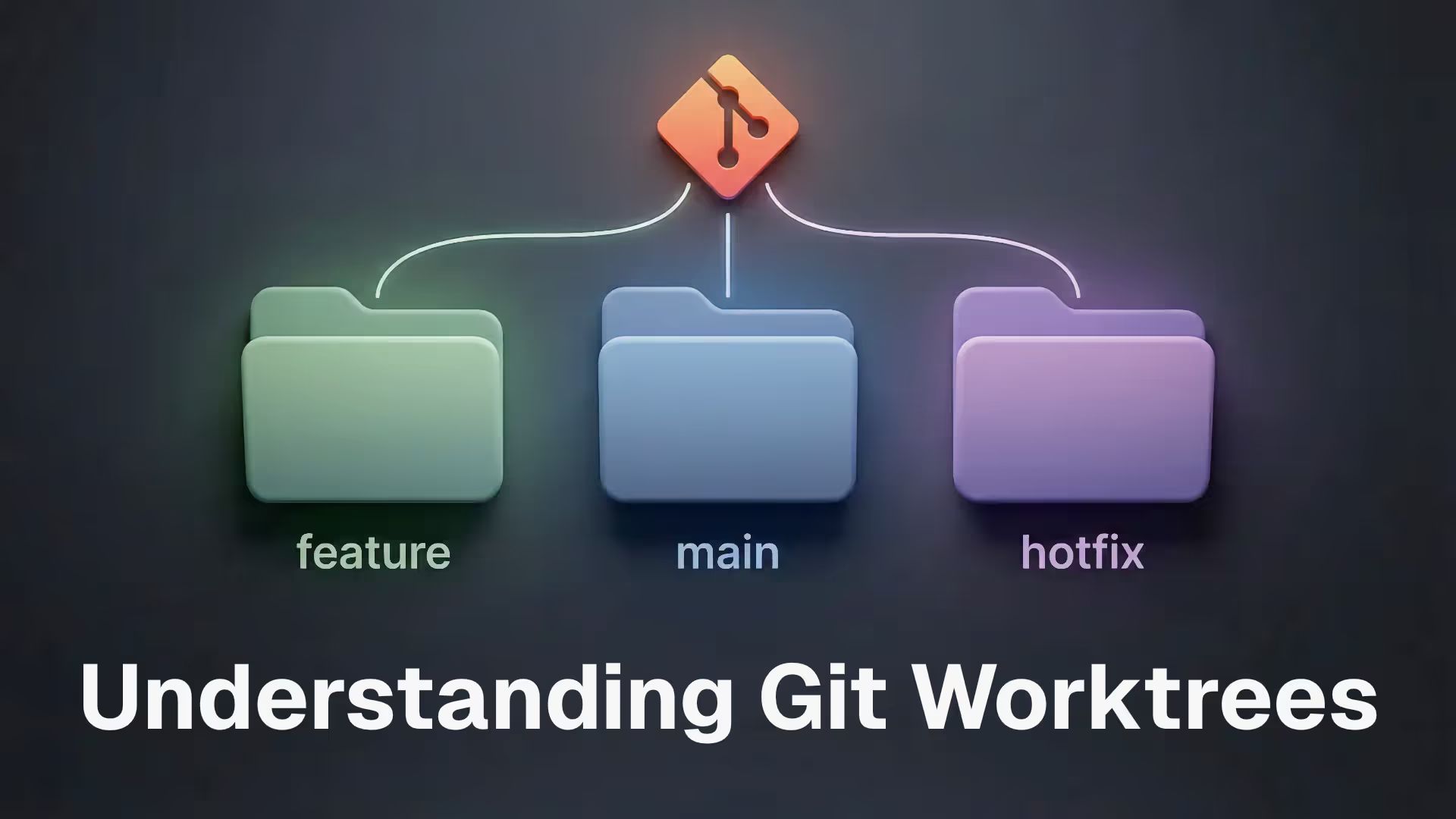
Marco Haber explains how worktrees let you check out multiple branches at once in separate folders, so you can switch context without stashing and keep risky changes isolated. He also shows how Cursor uses worktrees for parallel agents and how to auto-run installs and copy env files.
Understanding Git worktrees